
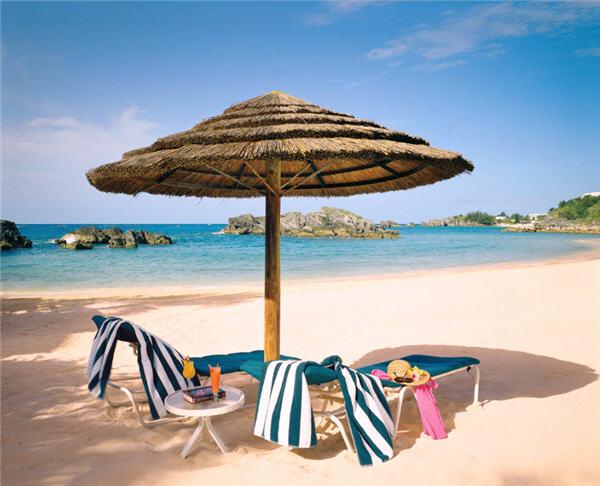
If you're getting to that point in winter where you'd rather sit in sweats on your couch motionless than go outside for any reason, it might be time for a vacation. With reading week and spring break coming up, many Winnipeggers are looking to get away. The vacations I went on as a kid where booked months in advanced and therefore at full price. Once I was left to my own devices to pay for vacations, I got creative in finding deals.
 The website that I've had the most success with is Red Tag. Worst case scenario is that you'll pay full price for your vacation; best case scenario, and more commonly, you'll pay much less.
Many people are weary of buying a vacation off a discount website and I was at first, too. The reason why they can offer vacations for such a reduced price is that they purchase the remaining rooms from a resort or hotel once they have reached a certain cutoff date. The resort then gives those rooms to various sites to sell at a reduced rate. At this point, the resort would rather sell them at a greatly reduced rate than have rooms sit empty. There is also a big incentive to fill planes.
More and more people are becoming comfortable with buying vacations online. Especially for the university crowd, travel agents are a thing of the past for the average reading week vacation.
 One word of caution, however, is to read the fine print. Many of the discount vacation sites offer trip cancelation insurance. If you opt not to buy it, and suddenly need to cancel your vacation, you may be out the money. There is also often a chance to buy health insurance for your vacation.
I was able to go to Mazatlan last year at a 4.5 star resort for a 3 star price. The fun comes in when you are sitting next to someone on the beach and you find out how much they paid. It's not uncommon to hear a price as much as twice what you paid, if you went on a discount website and they went through the resort.
Especially if you're someone who has flexibility in their schedule, you can book days before you leave and pay a fraction of the original price.
It's always good to be cautious to some extent; research both the website and the resort you're going to buy from prior to booking.
Trip Advisor is a great site to check but be aware that no place can be perfect for everyone. The people who need every wine glass to be turned a certain way will be the first to post on the site. Be a good consumer by evaluating each opinion for what it's worth; never take just one as the solid truth.
Finally, make sure to check any travel advisories issued by your government to travel to certain locations. Although traveling to anywhere carries its risks, you should be especially cautious in visiting certain places.


